Extension for Adobe Premiere Pro
Helmet Library
Your folders of videos, sounds, images and MOGRTs as a library inside Premiere Pro.
FreeVersion 1.2.0
About
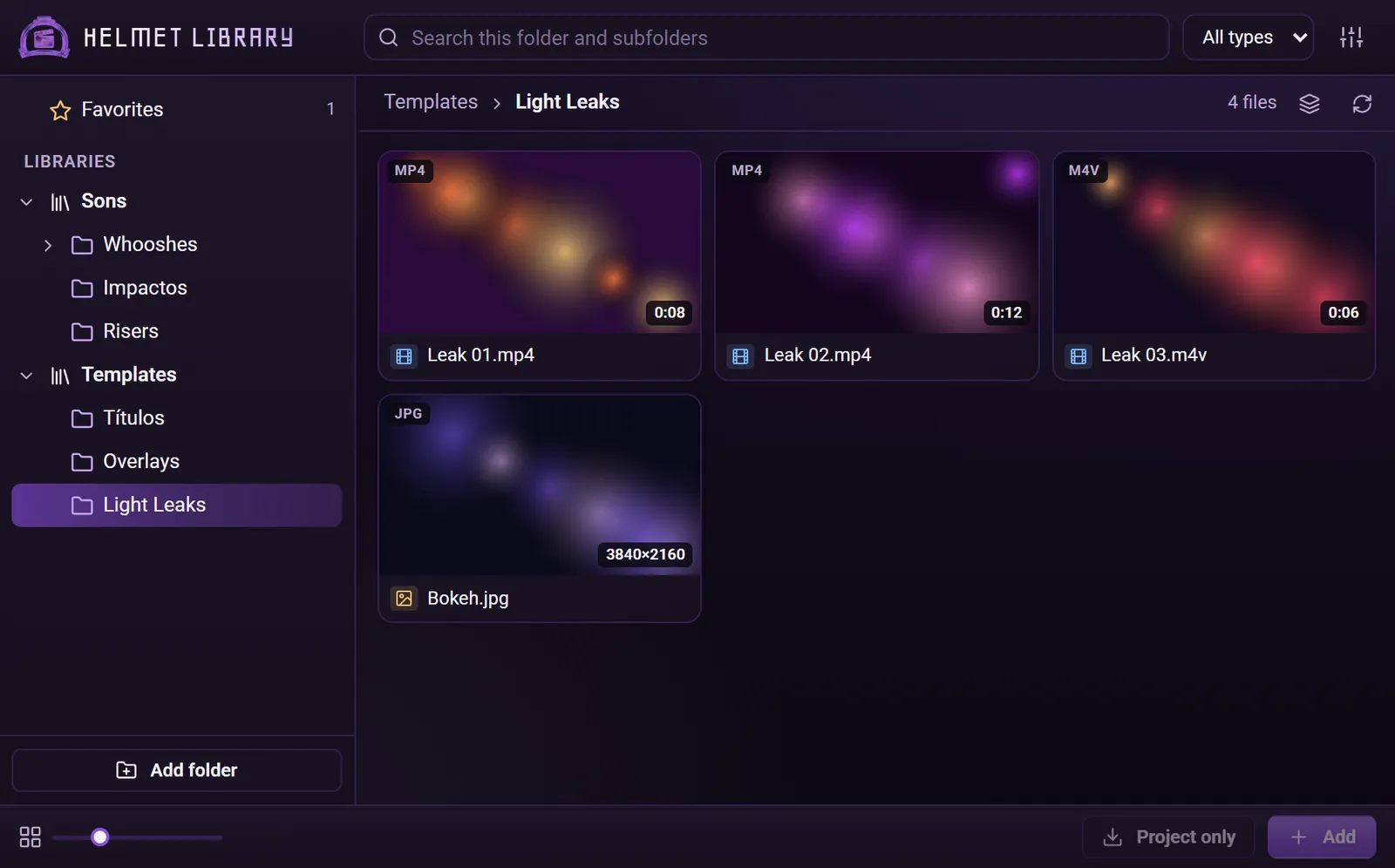
Helmet Library turns folders on your computer into asset libraries (videos, sounds, images, MOGRTs and templates) inside a Premiere Pro panel.
Every file has a preview and goes to the timeline by dragging or with a single click.
Features
- Add as many folders as you like; subfolders show up in a tree.
- Previews for video, audio with waveform, images, animated GIFs and MOGRTs.
- Drag to the timeline or the Project panel: video comes in with picture and sound, and MOGRTs can be dragged too.
- Or add with one click at the playhead, on the first free track, or import into the Project only.
- Favorites, search across all subfolders and a file-type filter.
- Pitch and reverse in the audio preview, without changing the file.
- Imports into its own bin and can recreate your folders as bins, never importing the same file twice.
- Previews are stored inside the library and travel with it when you copy the folder to another drive or PC. If you prefer, they can live in the system cache instead.
- A disconnected external drive or network folder doesn’t freeze the panel, and the library comes back on its own when the drive returns.
- Keyboard shortcuts to browse, select and play.
- Panel in English or Portuguese: switch in Settings, under Language / Idioma. It changes right away, without closing the panel. Folder and file names are never translated.
Screenshots
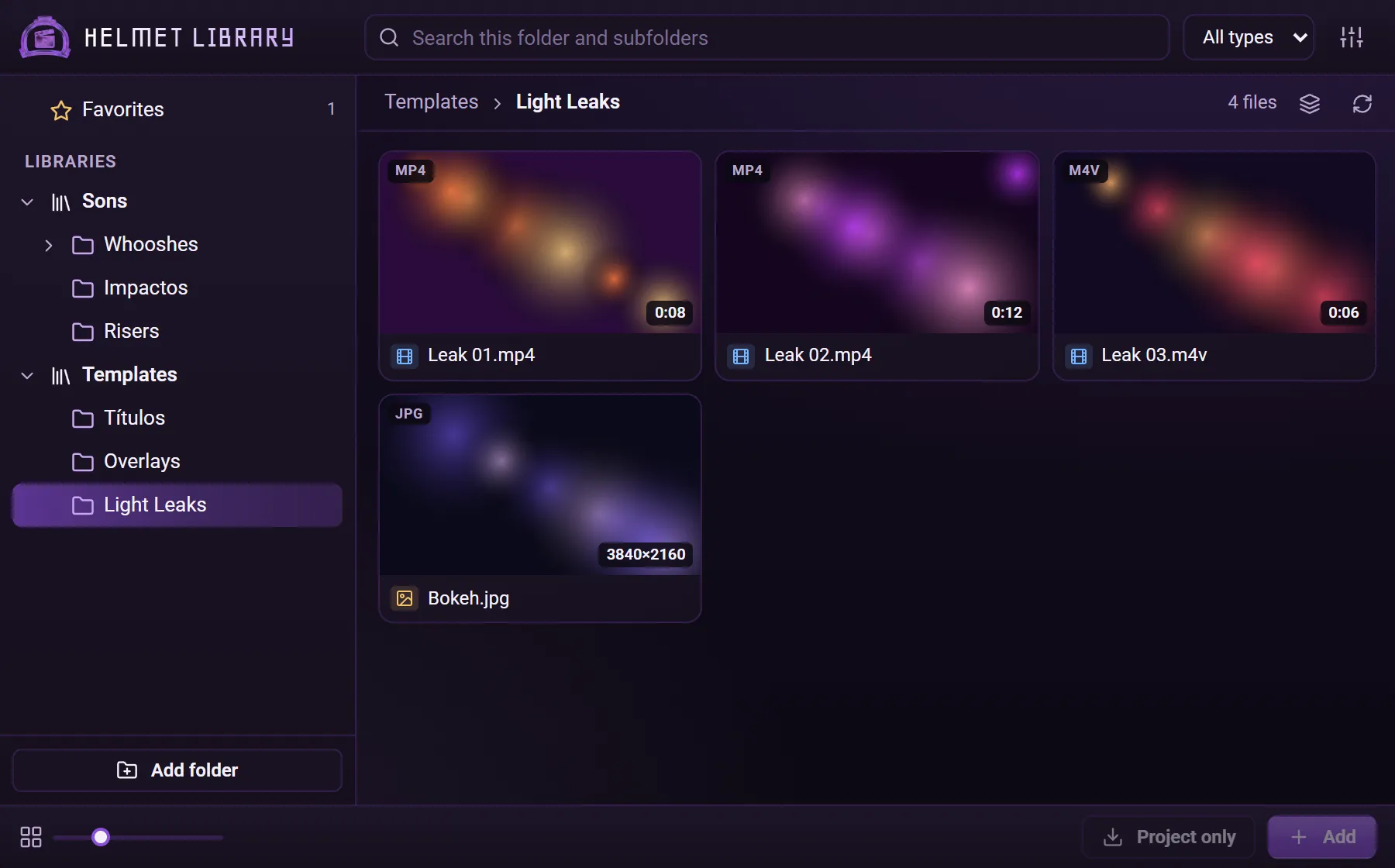
Panel: libraries in the sidebar and file thumbnails